Glossary
A Glossary is a term list where you register the correct spelling and pronunciation of proper nouns in advance, such as the names of people, groups, or products.
Proper nouns are easy for AI STT (speech recognition) or translation to misrecognize, or to translate inconsistently from one run to the next. Registering a Glossary lets you connect this term list during subtitle generation in AI Subtitle and Live Streaming, so the registered spelling is used consistently in the subtitles.
Console Location
You can find the Glossary feature under Asset → Glossary in the left-hand console menu.
🔗https://console.inisoft.video/asset/glossary
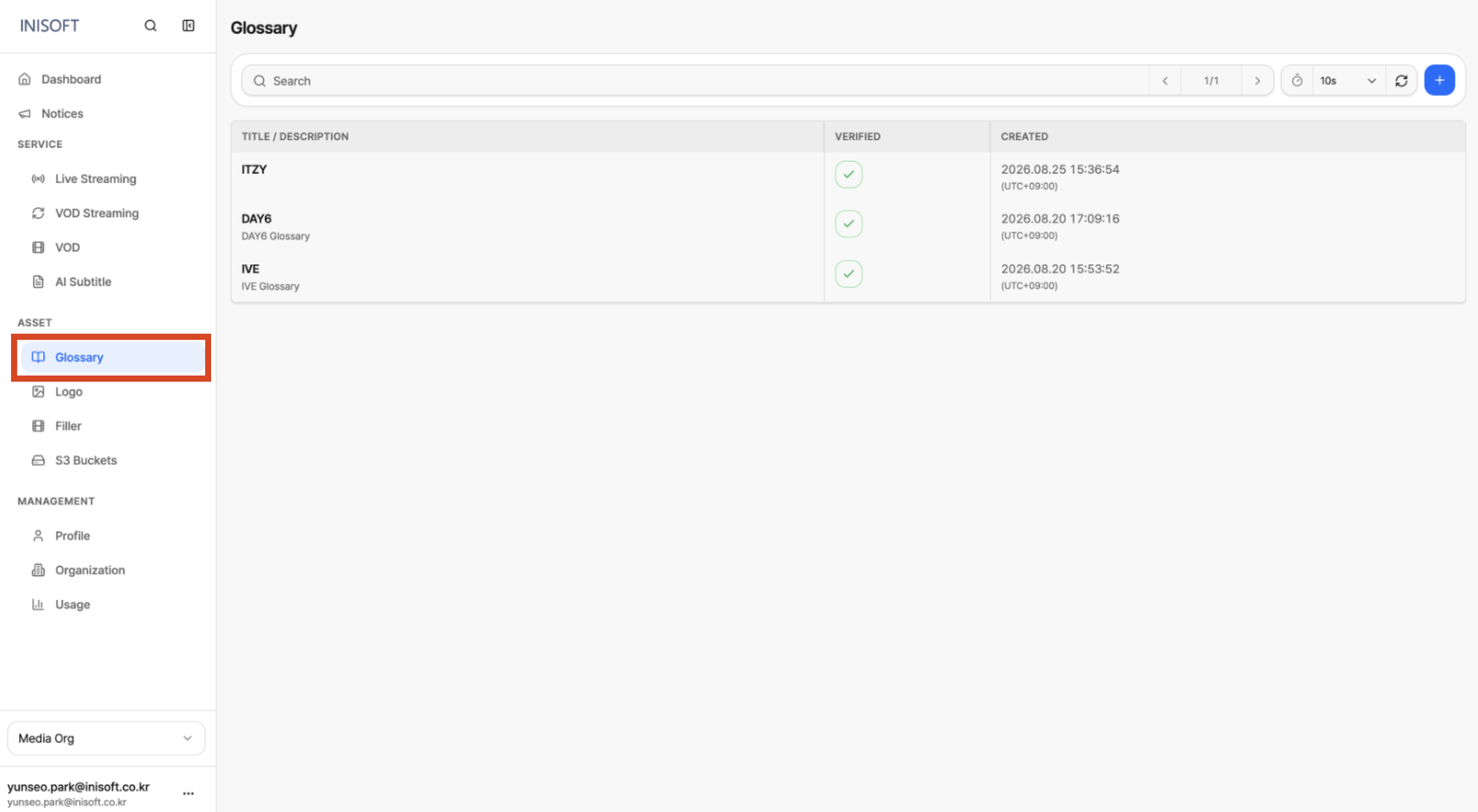
Fig. Console location of Glossary
Related Features
| Linked Menu | Relationship |
|---|---|
| AI Subtitle | Connect a Glossary during STT/translation (up to 2 per Job, must be Verified) |
| Live Streaming | Connect a Glossary when Enable AI Subtitle is on (up to 2, must be Verified) |