VOD
VOD is a way of delivering video that lets users choose and play a video whenever they want.
Unlike Live Streaming, where video is delivered in real time, VOD plays back video that has already been stored, whenever the user chooses to watch it.
The VOD menu takes an original video file you've uploaded to S3 and converts it into multiple video qualities, then packages it into a form that a streaming service can play.
VOD work is done in two main stages: Encoding and Packaging.
-
Encoding: The task of converting the original video into multiple quality levels, such as 1080p, 720p, and 480p. Generating multiple quality levels lets you serve the video at a quality that matches each user's network conditions or device.
-
Packaging: The task of assembling the encoded video into a form a streaming service can play. In this step you can attach subtitle tracks, apply DRM to restrict unauthorized access or use of the content, and configure a streaming format such as HLS/DASH.
So VOD work generally follows this order:
Original video (S3) → Encoding → Packaging → Streaming service
You can find the VOD feature under Service → VOD in the left-hand console menu. 🔗console.inisoft.video/vod
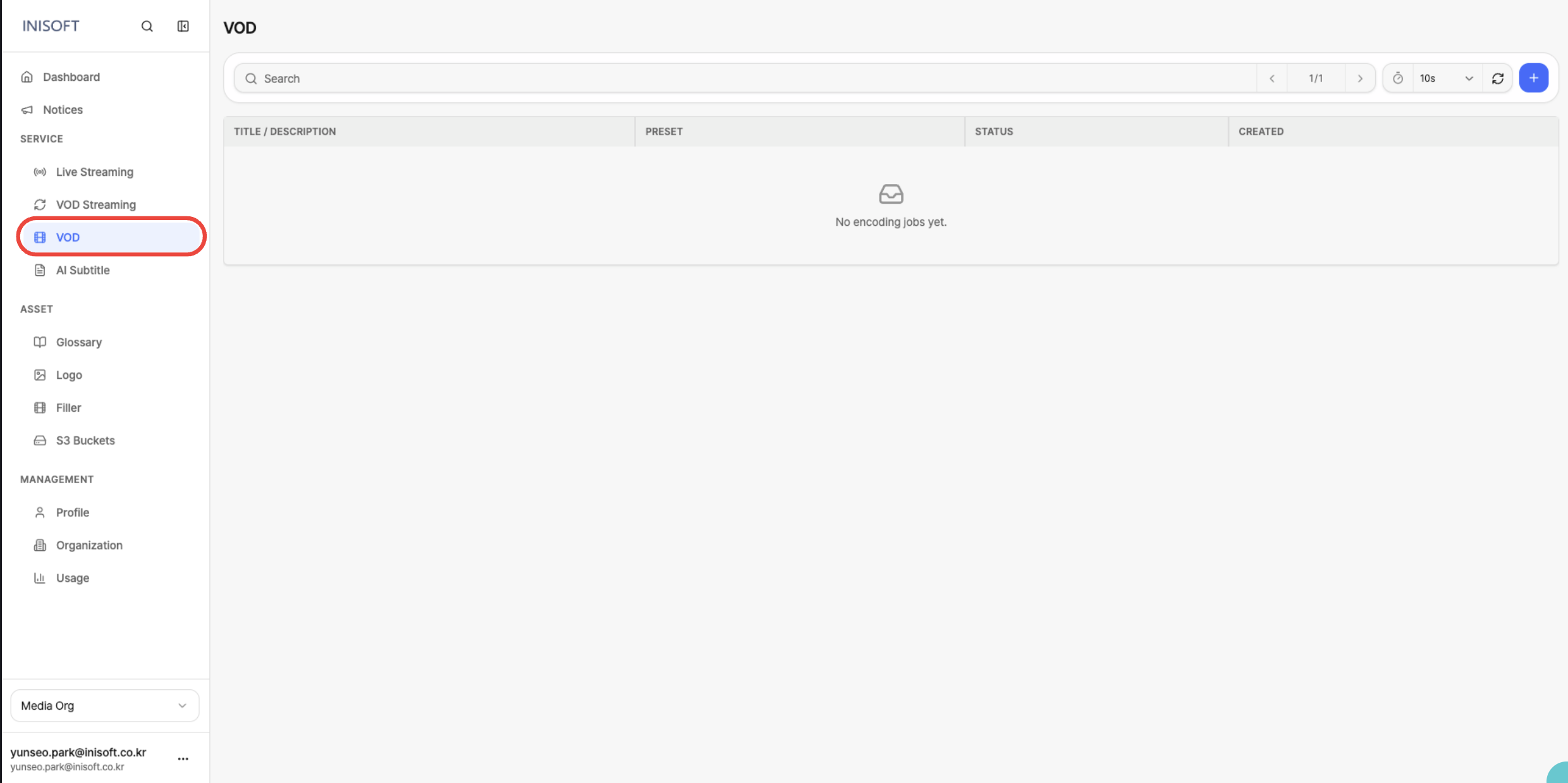
VOD Workflow Overview
The VOD menu is where you create and manage the Encoding Job and Packaging Job needed to convert and stream your video.
An Encoding Job converts an original video into multiple quality levels. When you create an Encoding Job, you specify the original video and the settings to use for encoding; once the job finishes, videos at each quality level are generated.
A Packaging Job assembles video that has finished Encoding into a form usable by a streaming service. You can create multiple Packaging Jobs under a single Encoding Job, each with different settings such as streaming format or DRM.
To run a VOD job you need an S3 Bucket where the original video is stored (Input Bucket) and an Output Bucket to store the job's results. The buckets you use must already be registered under Asset → S3 Buckets.
An S3 Bucket is an AWS cloud storage location for files such as video and images.
In VOD, the original video stored in an S3 Bucket is loaded to run Encoding, and once the job finishes, the result is stored in the specified Output Bucket.
Encoding and Packaging
Encoding and Packaging each perform the following work.
| Stage | What it does | Output |
|---|---|---|
| Encoding | Converts the original video into multiple quality levels. You can also apply a Logo Overlay to the video if needed. | Encoded video and audio files per quality level (.mp4, .aac, etc. / stored in S3) |
| Packaging | Assembles the encoded video so it can be played by a streaming service. You can configure HLS/DASH, subtitles, DRM, and more. | A playback/distribution package such as a manifest (.m3u8 / .mpd) (stored in S3) |
Once encoding is complete (done), you can use the Preview feature to check the result beforehand.
After confirming that the output was generated correctly, proceed with Packaging.
Once Packaging is also complete, the resulting streaming output can be connected to VOD Streaming to deliver the video to users.
Before starting VOD work, the following must already be set up:
-
Register S3 buckets: The S3 buckets you'll use for Input and Output must already be registered under Asset → S3 Buckets.
-
Register a logo: To apply a logo overlay to your video, the image file must already be registered under Asset → Logo.
Related Features
| Linked Menu | Relationship |
|---|---|
| Asset → S3 Buckets | Register and select Input/Output Buckets |
| Asset → Logo | Logo overlay used during Encoding |
| AI Subtitle | Creates an AI Subtitle Job using an encoded VOD or S3 file as input |
| VOD Streaming | A streaming channel and playback based on Packaging output |