VOD Streaming Detail Panel
Clicking an event in the list opens that event's detail panel. As shown in the image below, you can also see the action buttons available for the event's current status (Detail, Preview, etc.).
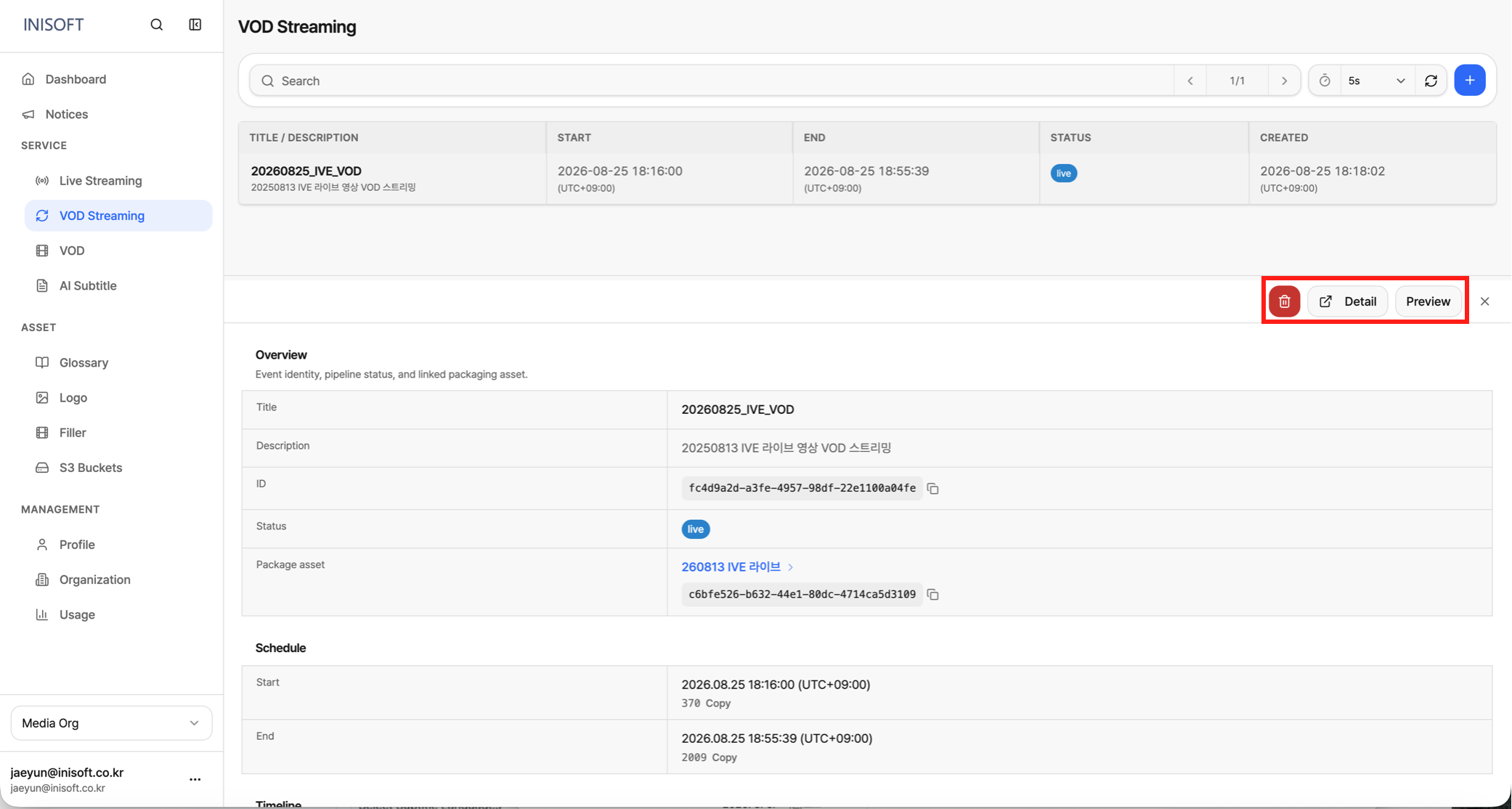
Fig. VOD Streaming detail panel
Button Descriptions
| Button | Description |
|---|---|
| Delete | Ends the event and removes it from the list. |
| Detail | Takes you to a page where you can check details such as the event's status, start/end time, creation information, and URLs. |
| Preview | Opens a view on the right side of the panel where you can preview the streaming video. |